
How To Shoot 360°

360º Panoramas, Virtual Tours - It's Easy and You Can Learn It Too
Morning workshop and afternoon photowalk every first Saturday in a month.
How To Start · Photowalks in Prague · Workshops · Contact · News (my blog)Česky

0 notes &

News on the blog, Facebook, Google+ and Twitter: Where to find news on How To Shoot 360º since May 10, 2012

Dear fans of howtoshoot360.com!

Beginning with May 10, 2012 I’m moving the publishing of all news from this blog and from it’s facebook and google+ pages to:

There you will be able to find interesting photography news, panoramic pictures, photowalks and the newest information from the world of How To Shoot 360º.

Here on howtoshoot360.com I’ll continue publishing “only” tutorials for panoramic photography to keep the theme of this web site. And because the frequency of new articles published won’t be high, I recommend you sign up for receiving news via email so you don’t miss any article published on this site.

Less is sometimes more

Previously I used to have a channel for all my activities (photowalks, panoreporter.cz, howtoshoot360.com, jakfotit360.cz, personal blog, my 360º workshops, etc.). This was too many channels and too many conversations to maintain properly.

Using just one profile will allow me to focus my energy where it’s needed the most. I will only monitor conversations on these personal channels from now on. It may sound illogical to not promote the brand on its pages but I’ve decided this way for good reasons.

What are the benefits for you

  • You can follow just one profile. In the past I kept many profiles for my activities. Now it’s going to be simple.
  • You won’t miss anything. I didn’t know where to post interesting news. To all of them or to just some of them? If I chose only some you might have missed interesting news or photo.
  • You won’t be seeing my posts twice. If you were following all my channels sometimes you saw something twice or more times. Now it’s going to be simple and there will be no double posts.

The original twitter, google+ and facebook profiles for How To Shoot 360º will remain active and I will get back to them in the future I’m sure.

Sincerely

Jan Vrsinsky
- The founder of howtoshoot360.com 

0 notes &

Einstein captured on a panoramic photo from the beginning of 20th century

Panoramic photos first appeared at the beginning of 20th century. Probably the most famous and ones are the photos from the National archive.

“President Harding and the National Academy of Sciences at the White House, Washington, DC, April 1921” - can you find Einstain on the enlarged photo?

Today we’ve got affordable and accessible technology for taking stitching and publishing panoramic photos. Can you imagine, however, how incredibly difficult it must have been to create these photos before? There were no scanners, no digital cameras and no software to do the work for you. Everything was a matter of precise work in the field followed by long hours and days in the dark room. And that’s the reason I value these photos a lot. There’s so much embedded energy radiating out of them!

Barcelona in the year 1929

As if all this was not enough, various kites and blips started appearing in the beginning of 20th century and were used by photographers to carry their cameras to heights. One of the most well-known experts in the field was George Lawrence. He was a photography enthusiast and totally crazy - in a good way. The world needs more crazy people like him. He was breaking record after record during his time. First he started using gigantic tripods and ladders to get higher for his creative shots but it soon was not enough for him. He then started building baloons in which he flew and took his photos. He even faced a couple of serious accidents during which he actually crashed but fortunately survived. Later he started creating a set of kites tied to a rope which he called Airships. He invented his own stabilized platform which allowed him to stabilize his camera even in high winds. If you take into the consideration that today’s multicopters for lifting SLR cameras cost thousands of dollars you will perhaps realize how expensive and extremely difficult his endeavors must had been in his era. Really, hats off. Every time I look at the following picture Lawrence created I always hold my breath because I silently dream about all the things that needed to happen for it to be created:

One of the most magnificient and most famous panoramic phots George Lawrence ever created - San Francisco shortly after a devastating earthquake in 1906. This photo covers 160 degrees horizontally and was taken in the height of 600 meters (about 1800 feet).

0 notes &

Gates to Prague’s Fairy Tale Underworld

I have published five panoramic photos from the photo walk last Saturday. The set is called Gates to Prague’s Fairy Tale Underworld.

Here’s two examples, you can find the rest on my blog:

And here’s our group - from the left: Václav, me, Jakub. Nobody else showed up so it was only the three of us. Probably the weather conditions that were far from perfect in the morning and thus many people decided to stay at home. We had fun anyway! :)

1 note &

New: Saturday’s Photo Walks in Prague For Free From Now On

Do you love taking photos? Join the Saturday’s photo walks in Prague, Czech Republic. A group of photography enthusiasts sets out to the streets to click their shutters together. Everybody can attend for free.

Beginners, professionals as well as their families are welcome. If you have an interesting photo taking equipment definitely bring it along! There are no requirements for attendees. All you have to have is the courage to take some photos. 

Starting in April 2012 the regular photo walks which I used to organize exclusively for participants of my paid workshops, will now be completely free for everybody. On top of that they will be organized in a way that everybody can come and join our group of photographers and start taking pictures with us. 

I’ve moved my Saturday’s 360º panoramic photography workshops from afternoons to mornings. This enables me to fully attend all my workshop participants’ needs before 2pm and then to join the photo walk with them.

The first upcoming photo walk takes place on April 7, 2012 at 2pm. The meeting place for this date is the upper part of the Malostranska metro station in Prague, at the street level. Let me know if you are planning to attend or simply show up. I’m looking forward to photo walking with you!

0 notes &

Why you should use F8 aperture for taking 360° panoramas

The attendees of my workshops ask me quite often why I use the F8 stop for taking my panoramas. I’ve got several reasons to back up this decision:

  • It is necessary to choose an aperture F-stop and to stick with it during shooting, preferably for the whole shooting session (not just one panorama). 
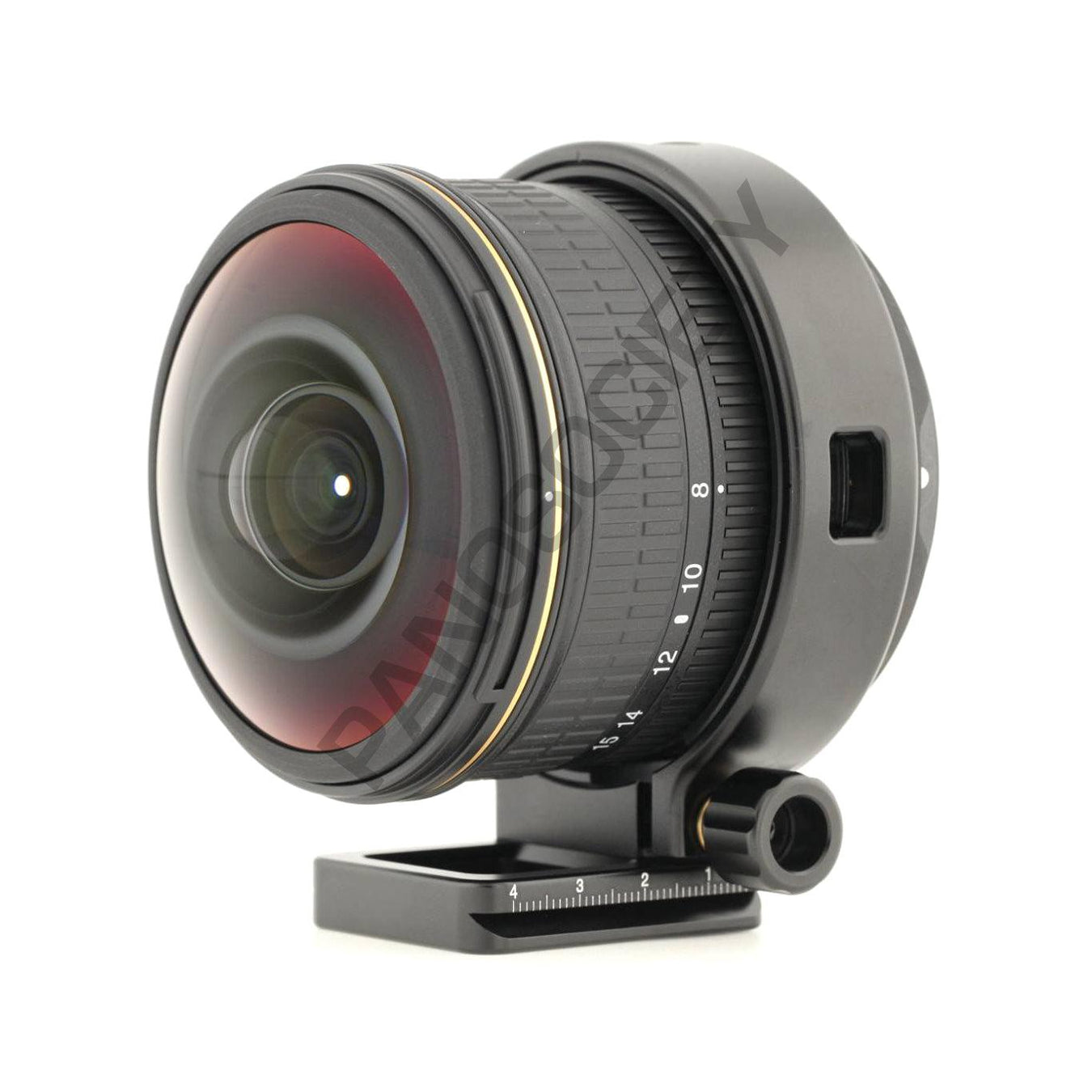
  • The lens I use (Sigma 8mm F3.5) has the sharpest image at F8. I don’t mean the depth of focus, which would be the highest with the highest possible aperture. When I focus between the F8 and F16 setting, this lens gives the best picture from the whole spectrum of choices.
  • F8 is high enough for me to be able to focus from several decimeters (1-2 feet) to infinity.
  • F8 is low enough to ensure I get enough light on my sensor even with more difficult lighting conditions. In extreme circumstances (evening, night) I set the aperture to even lower value to shorten the exposure time if needed. The depth of focus is therefore sacrificed in favor of shorter exposure time, especially when shooting handheld.

What is the F-stop that you use for your panoramas in normal lighting conditions. And why?

0 notes &

Video: How to Erase Tripods and Shadows From Spherical Panoramas

Welcome to a new installment of the video tutorials for shooting and stitching 360° panoramas. In today’s issue you will learn all tricks and techniques for erasing nadir errors. Nadir is the “down” side of the spherical panorama, the part you see when you look directly down. Many errors can be seen in this part of your panoramas when you are not careful, including stitching errors, your tripod, your legs, shadows, etc. It is very helpful to know how to fix these problems.

The caveat of editing nadir and zenith (the bottom and top part of your panorama) lies in the fact that in the flat version your photo is very distorted in these areas – which is highlighted in the attached photo by red boundaries. See also the interactive version of the photo.

Spherical panorama in the equirectlangular projection with highlighted distortion zones

Therefore it is almost impossible to fix the photo using your normal photo editing techniques, e.g. Photoshop. If you try it you will never be able to follow the distortion properly and it will almost surely result in very weird artifacts in your final panorama. I even encourage you to try it so you know what I’m talking about.

In the following video Florian Knorn will show you two nadir fixing methods which first unwrap the nadir so you can fix it easily. You will need PTGUI and Photoshop to try the things covered in the video.
Video: 360×180° Panorama Tutorial – Pt.5: Editing the Nadir

The second easy option you have for fixing the nadir is to use the software called Pano2VR (paid). This software is great for extracting arbitrary views from your panorama, exporting them as tiff files which you can edit in Photoshop, and then reimporting these patched files back to your panorama. I use this software for most of my patching and I definitely recommend it.

This article is a part of the Introduction to Effective 360° Panoramic Photography series.

0 notes &

Video: A complete video guide to stitching spherical panoramas

The following video tutorials you are about to see are going to show you how to shoot and stitch together spherical 360° photos. There are five parts. In the first installment you will see how to shoot photos, in the second part you will learn how to process your photos on a computer. The third part is dedicated to stitching photos together and in the fourth you will see various tricks for retouching stitching errors in your panoramas.

The end result of your efforts should be a fully spherical 360° photo in which you can turn around in all directions and also up and down. The author of these videos is +Florian Knorn – I definitely recommend you adding him on Google+ and also make sure you look at his website http://www.pano.ie/.

Let’s first go through the necessary equipment checklist you will need to try the practices shown in this video on your own:

Camera:
- Any digital SLR camera (full frame or crop factor)

Lens:
- Any fisheye 8mm lens (you can also use a different focal length for the techniques shown in the video but you will need to take a different amount of photos)

Software for preprocessing of your photos:
- Adobe Lightroom for processing your photos (you can also simply use Adobe Photoshop / Camera Raw or any other program for basic RAW developing)

Software for stitching photos:
- PTGUI program (paid) or Hugin (which is a free equivalent of PTGUI – in many ways PTGUI is better but there are also things in which Hugin is better)

1. Video: How to create 360° fully spherical photos without a visible tripod
http://howtoshoot360.com/video-tutorial-how-to-shoot-a-spherical-panorama-without-a-visible-tripod/

2. Video: How to post-process your photos
http://howtoshoot360.com/video-360-photography-tutorial-how-to-post-process-your-photos/

3. Video: How to stitch 360° panoramas on a computer
http://howtoshoot360.com/how-to-stitch-360-panoramas-on-a-computer-video/

4. Video: How to Erase Tripods and Shadows From Spherical Panoramas
http://howtoshoot360.com/video-how-to-erase-tripods-and-shadows-from-spherical-panoramas/

You should also read the Introduction to Effective 360° Photography.

0 notes &

Panoramic Photography Links and Turorials

Beginner to intermediate:
http://www.youtube.com/view_play_list?p=15B8C737F69319BE
http://www.rosaurophotography.com/html/technical0.html
http://www.tilmanbremer.de/2011/10/panoramic-photography-revealed-part-ii-creating-perfect-panoramas-the-open-source-way/
http://www.fromparis.com/technical.html
http://michel.thoby.free.fr/
http://www.panomonkey.com/panorama-software/how-to-shoot-panoramic-photos
http://www.cambridgeincolour.com/tutorials.htm

Level a panorama in PTGui
How to level a panorama in PTGui

You can find much much more in the Panoramic Photographers For Facebook Group Docs. You should also definitely join this group if you are not a member already.

0 notes &

How to stitch 360° panoramas on a computer (video)

In the previous part of the video panorama shooting tutorial you saw how to shoot spherical panoramas with a DSLR camera and a fisheye lens. Today Florian will show you how to stitch your photos on a computer.

Tip: If you are interested look at how the post-processing your photos should be done before stitching in the Video 360° photography tutorial: How to post-process your photos. You will learn how to adjust white balance, chromatic aberration and so on. If you are just starting with panoramic photography, though, feel free to skip this intermediate part and continue directly to the video below. You can always come back to learning about post-processing later.

Software used:

PTGUI (www.ptgui.com) – It’s a paid software but both Florian and I recommend it very much (no, we don’t have an affiliate fee from it :) . This is the software that is used in the video below. As a replacement you can use the Hugin Panorama Stitcher (http://hugin.sourceforge.net/) which is completely free and has similar features. In some of the features it is actually better than PTGUI but in many it is not – and also it is more difficult to learn.

Video 1 – Stitching photos taken without a tripod

Video 2 – Stitching photos taken with a tripod
(this includes a part where it shows you how to erase a tripod)

This article is a part of the Introduction to Effective 360° Photography.